iMac for Students: From Kids' First Computer to College Lab Partner
One iMac has to work for a ten year old doing homework, a teenager studying for exams, and a college student juggling lectures, papers, and a part time job. That is a tall order for a single machine, and the right pick depends more on how your student works day to day than on which chip generation sits inside the case.
Back to school 2026 🎒 is when most families make this call, so here is how to pick the right iMac for the stage your student is in right now, model by model, plus the honest limits every desktop shares.
What Matters When Choosing an iMac for a Student
Screen space beats raw speed for most schoolwork. A large display means research on one side and a draft on the other, without constant tab switching. That single feature does more for a typical school day than an extra chip generation ever will.
An iMac lives on a desk, and that is a feature for some households and a limit for others. A shared family computer in a kitchen or living room makes it easy to keep an eye on what a younger student is doing online. A student who needs to work from a library, a lecture hall, or a train needs something else alongside it.
Most students do not need the fastest chip on the shelf. That is built for video editing and 3D work, not essays, browsing, and video calls. Put the difference toward a pen, a second monitor, or next semester's textbooks instead.
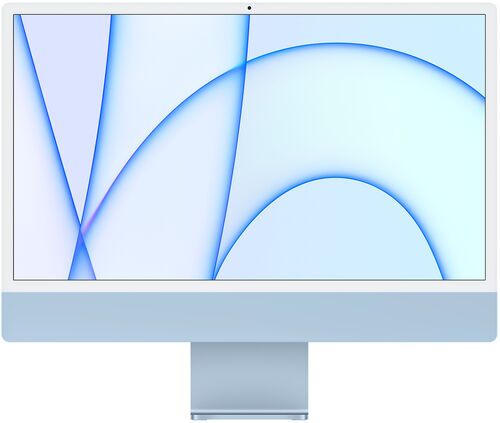
Which iMac Generation Fits Which Student?
From Family Desk to Dorm Room: How Students Use an iMac
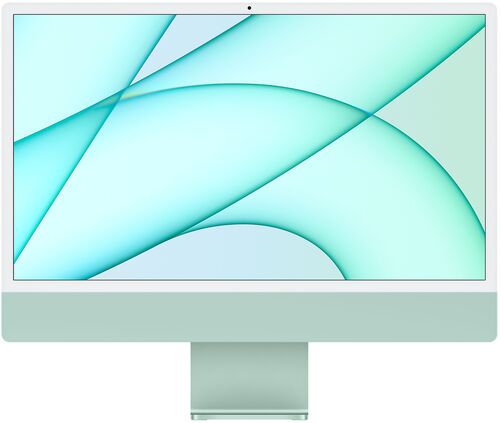
A shared family computer. Set it up in a kitchen or living room and it works for a ten year old's homework, a sibling's video call, and a parent's admin, all with separate logins. Keeping it in a shared space also makes it easier to see what a younger student is doing online, something a laptop tucked away in a bedroom does not offer, and the bright colour options make it feel like a computer built for a younger household, not a beige office box.
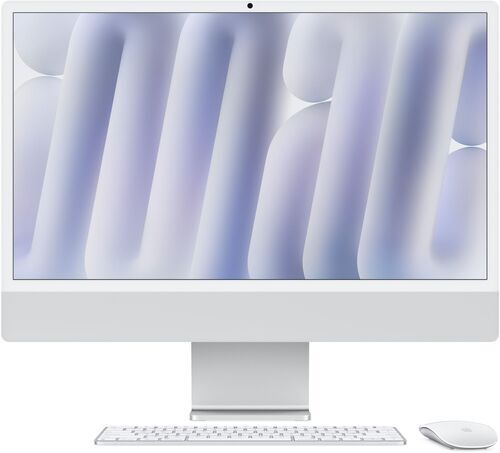
Exam season for a high schooler. One trick from students who already own an iMac works well here: keep a laptop or tablet open with the exam itself, and let the iMac display reference notes or a formula sheet. Nothing needs closing, and no tab gets switched by accident mid test.
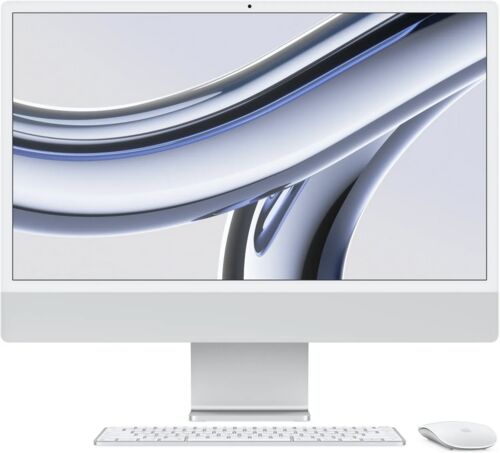
A college design or journalism major. Creative software runs smoothly on the bigger screen, a semester's folders stay organised by class, and the display doubles as a dorm room screen for downtime between classes. For a visual or writing heavy course load, the extra screen space pays for itself fastest here.
A STEM student who lives out of a backpack. An iMac still works as a home base for lab reports and problem sets, but it will not be the only device in the bag. Before buying, there is one honest trade off worth knowing about first.
The Honest Trade-Off: What an iMac Cannot Do for a Student on the Move
An iMac does not go to a lecture hall, a classroom, or a coffee shop. That is the one trade off worth accepting before anything else here: buy an iMac expecting it to stay on a desk, not travel in a bag.
The setup that works best for most students pairs two devices: something portable for class, and the iMac as a home base for exams, essays, and creative work once the day is done. That pairing shows up again and again among students who own one already, precisely because neither device has to do a job it is bad at.
Think of the iMac as the desk half of the equation, not the whole answer. Still need the portable half? The MacBook for students guide and the tablet for students guide cover exactly that side of the kit.
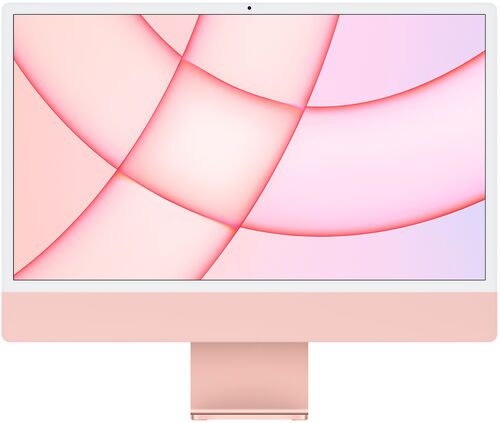
iMac M1 vs M3 vs M4: Which Generation Is Right for a Student?
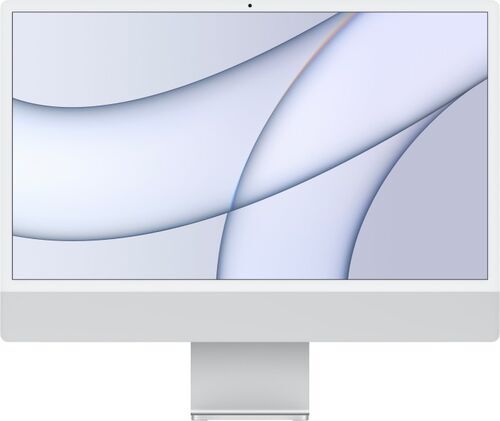
Chip
Apple M1
Connectivity
Wi-Fi 802.11ac/ax, Bluetooth 5.0
Display
24-inch 4.5K IPS
Best for
Everyday coursework and browsing
Apple M3, 8-Core
Wi-Fi 802.11ac/ax, Bluetooth 5.3
24-inch 4.5K IPS
Photo editing and multitasking
Apple M4, 8-Core
Wi-Fi 802.11ac/ax, Bluetooth 5.3
24-inch 4.5K IPS
Video editing and the newest chip
So, Which iMac Should Your Student Buy?
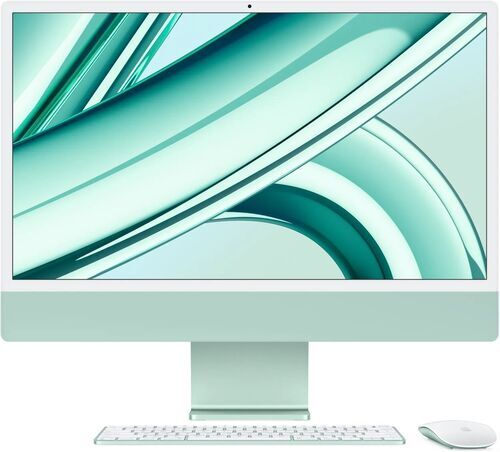
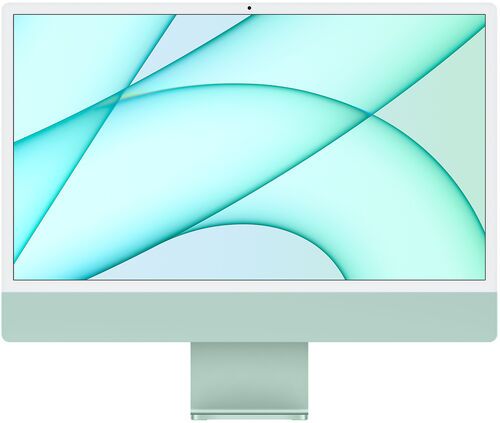
If a shared family computer or straightforward schoolwork is the goal, the iMac 2021 M1 remains the smart pick. It handles browsing, documents, video calls, and light photo editing without trouble, and buying refurbished puts it well below the price of a brand new entry level computer.
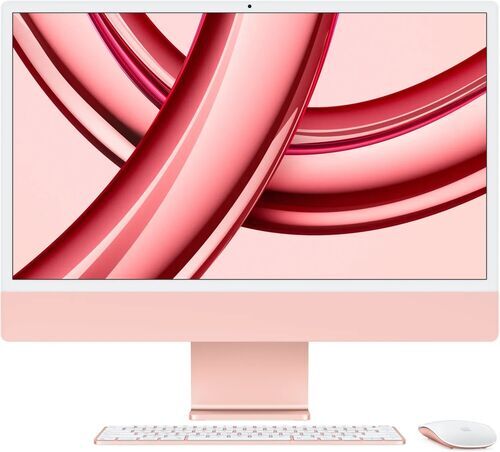
For a college creative or design student pushing photo editing and multitasking further, the iMac 2023 M3 8 Core adds real headroom without paying for capability that goes unused.
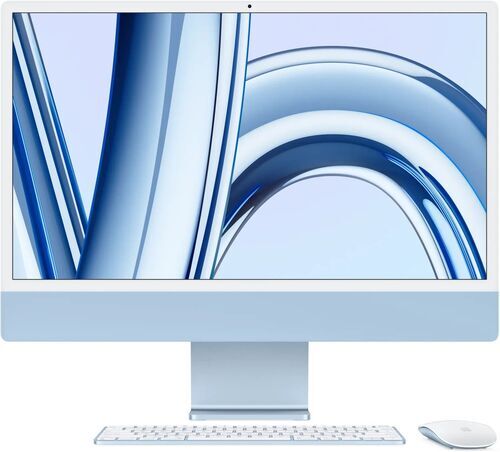
Want the newest chip available refurbished, or planning heavier video editing? The iMac 2024 M4 8 Core is the one to reach for.
The pattern across all three: pay for the generation your student's actual coursework needs, not the newest number on the shelf. That is the same logic behind buying one generation behind on any refurbished computer, and it holds just as well here.
iMac for Students: Frequently Asked Questions
Can I add more RAM to an iMac later?
No. Every Apple Silicon iMac, M1 through M4, has fixed memory that cannot be upgraded after purchase. Choose the RAM tier your student needs at the time of buying, not later.
Will an M1 iMac still get software updates?
Yes, for the foreseeable future. Apple continues to support M1 Macs with the latest macOS versions, so an older refurbished iMac is not a dead end.
Can one iMac work for a whole family, from a young kid to a college student?
Yes, with separate user accounts for each person. The bigger limit is not age, it is whether anyone in the household also needs to carry a computer around, which an iMac is not built for.
Is a refurbished iMac as reliable as a new one?
Yes. Every refurbished iMac on refurbed is professionally tested before it ships, covered by a minimum warranty, and backed by a return window if it is not the right fit.
Back to School 2026 🎒: The Rest of Your Student's Kit
An iMac covers the desk half of a student's kit, not the whole bag. Class still needs something portable, and most students end up wanting decent headphones and a reliable phone alongside it too.
The full back-to-school tech guide rounds out the rest of that kit for back to school 2026, from laptops to headphones to phones, for anyone shopping for more than a desktop this season.
Why Buy Your Student's iMac Refurbished
An iMac's memory and storage are fixed for life the moment it ships from the factory. There is no opening the case later to add more, unlike some other desktop computers. That makes getting the right tier, properly tested, matter more here than it does for machines a student could upgrade down the line.
Every refurbished iMac on refurbed is professionally tested and cleaned before it ships, covered by a minimum 12 month warranty, and backed by 30 days to return it if it is not the right fit. Refurbished sits as its own category alongside new and used: checked, working, and guaranteed, not sold as is.
It is also often the more affordable of two paths, not the pricier one. Pairing a laptop with a display large enough to match an iMac's screen can cost about as much as the iMac itself, so buying the iMac refurbished is frequently the budget conscious choice, not the splurge.
The Environmental Upside of a Refurbished iMac
An iMac is not a small purchase, and neither is its environmental footprint when it is built new. Buying refurbished keeps a working computer in use instead of adding another one to the pile, and that difference is measurable, not just a feel good line.
↓ Roughly 70kg of CO2 SAVED, compared to buying new.
↓ Around 100,000 litres of virtual water SAVED, on average.
↓ A meaningful cut in e-waste, since one less device needs manufacturing from scratch.
These are general refurbished electronics estimates rather than iMac specific figures, since the kind of verified per model data refurbed uses for phones, laptops, and tablets is not yet available for desktops. Every iMac bought refurbished on refurbed carries this saving automatically, no extra effort required.
Back to School 2026 🎒: Start the Semester Smart
Start the semester smart. Save on a professionally refurbished iMac with a minimum 12 month warranty, whichever generation fits your student's workload.
Shop the current refurbished iMac lineup on refurbed before term starts and the saving is already banked before the first lecture.

Sign up for our newsletter for the first time and save 15 CHF!
Never miss an offer again.
Information about the use of personal data can be found in our Privacy policy.
Get the refurbed app
For iOS and Android


Confirm sign-up
Cliquez sur le lien dans notre e-mail de confirmation pour recevoir votre bon d'achat. Il sera valable pour tout achat supérieur à CHF 200.
- © Refurbed Marketplace GmbH
- Accessibility
- T&C
- Privacy Policy
- Imprint
- Legal Notices
- Cookie Policy