Best tablet for students: how to choose before the semester starts
Reading lists are already piling up, and every tablet on the shelf claims to be the one every student needs. It rarely is. The right pick depends on which note-taking app you use, how much you sketch or annotate, and what you already own, not which spec sheet reads the longest.
Before the semester starts, here is how to choose the best tablet for students without overspending, and why buying it refurbished puts the saving straight back into textbooks.
What matters when picking a student tablet
The note-taking app matters more than the tablet. Check that GoodNotes, Notability or your university's preferred app runs well on a model before you buy it. The best hardware in the world will not fix a clunky app.
The stylus is where the real cost lives. A tablet's sticker price rarely includes the pen, and the pen changes how it feels to take notes every single day. Add its price before comparing two tablets side by side.
Most students do not need the top chip. The fastest processor on the shelf is built for video editing and 3D work, not lecture notes and PDF annotation. Save the difference for the pen, a case, or the semester's coffee budget.
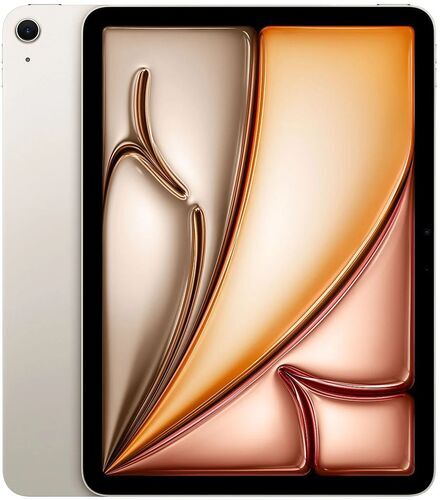
Find your student tablet match
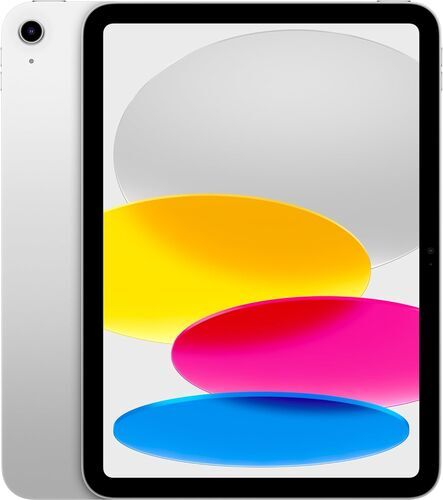
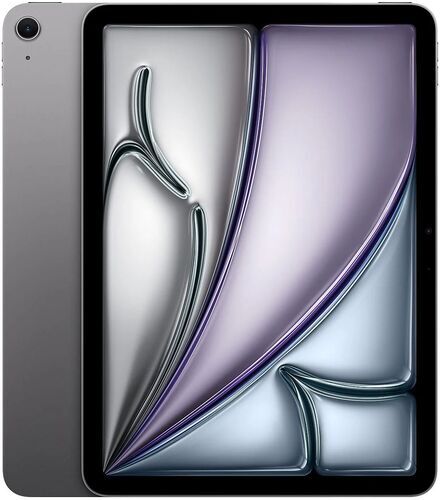
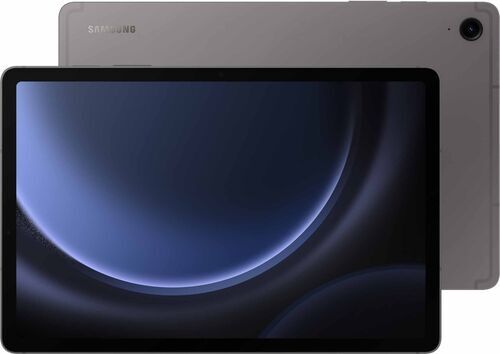
Which student tablet fits your workflow, not just your budget
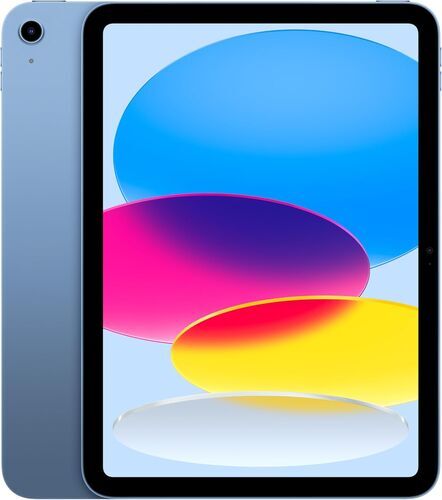
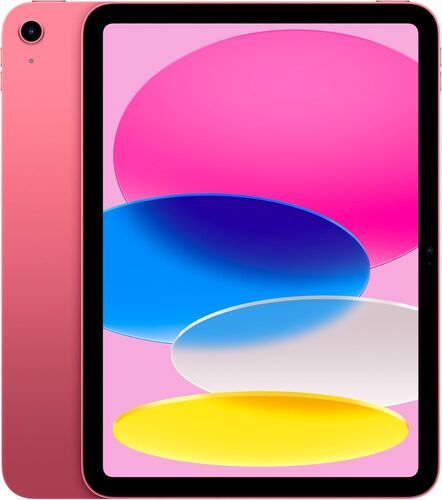
Just need notes and lectures? The iPad 11 (2025) covers the basics without asking you to pay for headroom you will not use. It runs the same note-taking apps as every pricier iPad, and that app support is what decides your day-to-day experience, not the chip generation.
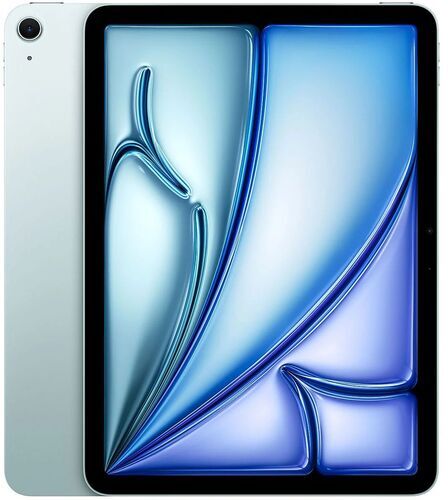
Sketching, annotating or taking notes for hours at a time? The iPad Air (2024) pairs with Apple Pencil Pro for pressure-sensitive drawing and handwriting, and its M2 chip has enough headroom for light creative work between classes.
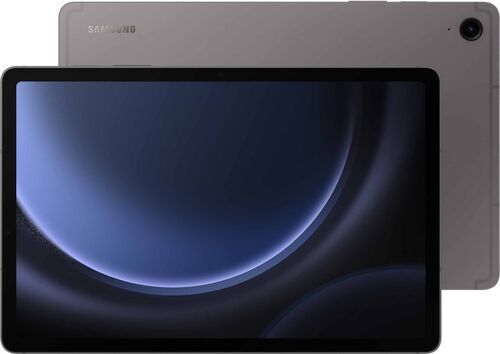
Already own an Android phone and want the pen included? The Samsung Galaxy Tab S9 FE ships with its S Pen in the box, no separate purchase required. It is the most complete out-of-the-box kit on this list for the price.
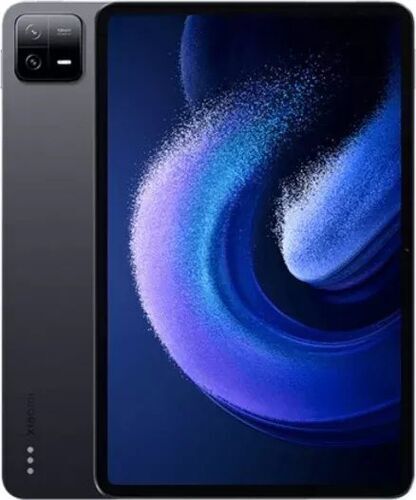
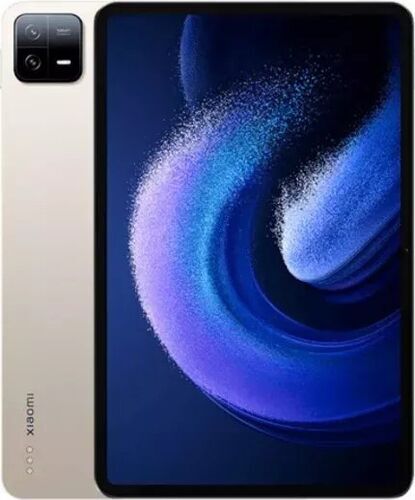
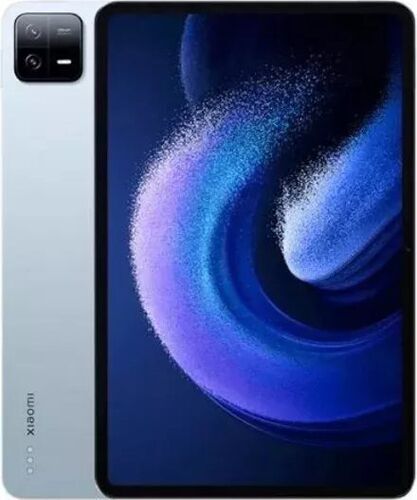
Want the smoothest screen for your money? The Xiaomi Pad 6 runs a 144Hz display that most tablets in its price range do not match, which makes scrolling through long PDFs and lecture slides feel noticeably smoother.
Already carry an iPhone? That single fact is often the biggest deciding factor of all. Staying inside one ecosystem means AirDrop, iMessage and Handoff work without a second thought, which for most iPhone owners settles the decision before the spec sheet even comes out.
Need something that replaces a laptop entirely, not just adds to it? That is a different job than a tablet is built for. The Microsoft Surface Pro 9 runs full desktop software with a keyboard attached, and it is worth comparing against a proper laptop too. Read the MacBook for students guide if coursework means spreadsheets, coding or heavier software than a tablet handles comfortably.
Not sure you need a tablet at all? If your laptop already covers your coursework and you only browse or watch videos on the side, the smarter buy might be no tablet this semester. Save the money and revisit the decision once you know what your timetable demands.
The stylus is the real battleground, not the tablet body
Every comparison video and review eventually lands on the same point: the pen decides more of the daily experience than the tablet underneath it. Apple sells its Pencil separately at every iPad tier, and Xiaomi does the same with its Pad 6 stylus, so the sticker price you see is not the price you pay.
The Samsung Galaxy Tab S9 FE is the exception here. Its S Pen ships in the box and does not need charging, which removes one more thing to remember before a lecture.
Before comparing two tablets on price alone, add the cost of the pen each one needs. That is the number that reflects what you will spend to start taking notes on day one.
iPad vs Samsung, Xiaomi and Surface: how they compare for students
Best for
Everyday notes and lectures
Chip
Apple A16 Bionic
Display
IPS
Screen size
10.86"
Rear camera
12 MP
Weight
477 g
Connectors
USB-C 2.0
vs.
Sketching and heavy annotation
Apple M2
IPS, Digitizer
11"
12 MP
462 g
USB-C 3.1
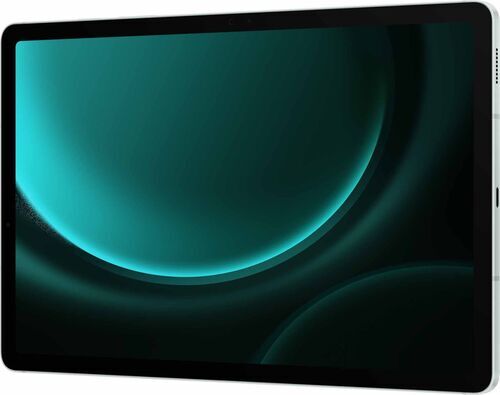
Value pick with pen included
Samsung Exynos 1380
IPS, 90 Hz
10.9"
8 MP
523 g
USB-C 2.0
vs.
Smoothest scrolling for the price
Qualcomm Snapdragon 870
IPS, 144 Hz, HDR 10, Digitizer
11"
13 MP
490 g
USB-C
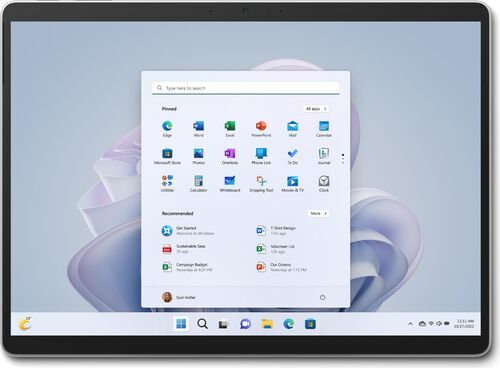
Laptop replacement
Microsoft SQ3
120 Hz, Digitizer
13"
10 MP
883 g
2 x USB-C 3.1, Docking
So which one is going in your backpack this semester?
If you skip everything else, remember this: pick the iPad 11 for straightforward notes and lectures, the iPad Air if you sketch or annotate for hours, the Galaxy Tab S9 FE if you want the pen included in the box, and the Xiaomi Pad 6 if a smooth, high refresh screen matters more than brand. Only reach for the Surface Pro 9 if you need a laptop replacement, not a tablet.
Whichever one wins, buying it refurbished before the semester starts means the saving is already banked before your first lecture.
The refurbished environmental advantage, tablet by tablet
Buying refurbished is not one blanket sustainability claim. Fraunhofer Austria's data on thousands of resold tablets shows the savings differ by brand, and every figure below is an average across real refurbished units, not a marketing estimate.
A refurbished iPad saves roughly 94kg of CO2 and around 42,500 litres of water on average compared to a new one, about 82% and 91% less impact. A refurbished Samsung Galaxy Tab saves close to 99kg of CO2 and 44,500 litres of water on average (83% and 92% less). A refurbished Microsoft Surface saves around 105kg of CO2 and 47,000 litres of water on average, the largest gap of the four (84% and 93% less), and a refurbished Xiaomi Pad saves about 94kg of CO2 and 42,400 litres of water on average (82% and 91% less).
Every model also avoids roughly 495 to 546 grams of e-waste per device, a 96 to 97% reduction versus new. Buy any tablet on refurbed and that saving comes built in, no extra effort required.
Why buy your student tablet refurbished from refurbed
Independent reviewers who set out sceptical of refurbished tablets keep landing on the same conclusion: the units arrive with no visible wear and perform like new stock. That is a stronger signal than any marketing line, because it comes from people trying to find a reason not to trust the category.
Every tablet on refurbed is professionally tested and cleaned before it ships, backed by a minimum 12-month warranty and 30 days to send it back if it is not the right fit. Refurbished sits as its own category alongside new and used: checked, working and guaranteed, not sold as-is.
Student tablet FAQs
Do I need the Apple Pencil or S Pen, or can I skip it?
You can skip it if you mainly read PDFs and type notes. Add a pen only if you plan to sketch, annotate handwritten notes, or mark up documents by hand.
Is a refurbished tablet's battery still reliable?
Yes. Battery condition is checked as part of the refurbishment process, and worn batteries are graded or replaced, so you know what you are getting before you buy.
Can a tablet replace my laptop for university?
For note-taking and reading, often yes. For spreadsheets, coding, or software your course requires on desktop, a laptop is still the safer choice. Check the laptop buying guide if you are weighing that decision.
Is refurbished safe for something I will use every day for lectures?
Yes. Refurbished devices are tested before sale and covered by warranty, unlike most second-hand marketplace listings, which is what makes them a safer daily-use choice than buying secondhand from a stranger.
Keep exploring your back-to-school kit
A tablet is one piece of the semester, not the whole kit. The full back-to-school tech guide covers laptops, phones and headphones alongside tablets, if you are shopping for more than one device at once.
Decided a tablet will not cover coursework on its own? The laptop buying guide breaks down which tier of laptop fits student budgets and workloads.
Ready to pack smarter this semester?
Before the reading lists land, pick the tablet that matches how you work, not the one with the longest spec sheet, and get it refurbished from refurbed while the saving still counts.

Sign up for our newsletter for the first time and save 15 CHF!
Never miss an offer again.
Information about the use of personal data can be found in our Privacy policy.
Get the refurbed app
For iOS and Android


Confirm sign-up
Cliquez sur le lien dans notre e-mail de confirmation pour recevoir votre bon d'achat. Il sera valable pour tout achat supérieur à CHF 200.
- © Refurbed Marketplace GmbH
- Accessibility
- T&C
- Privacy Policy
- Imprint
- Legal Notices
- Cookie Policy